Welcome Everyone
Information here will be added from time to time and modified when ever necessary. You can always find any post by searching for them should in case the link gets broken or the file gets renamed … ...
Information here will be added from time to time and modified when ever necessary. You can always find any post by searching for them should in case the link gets broken or the file gets renamed … ...
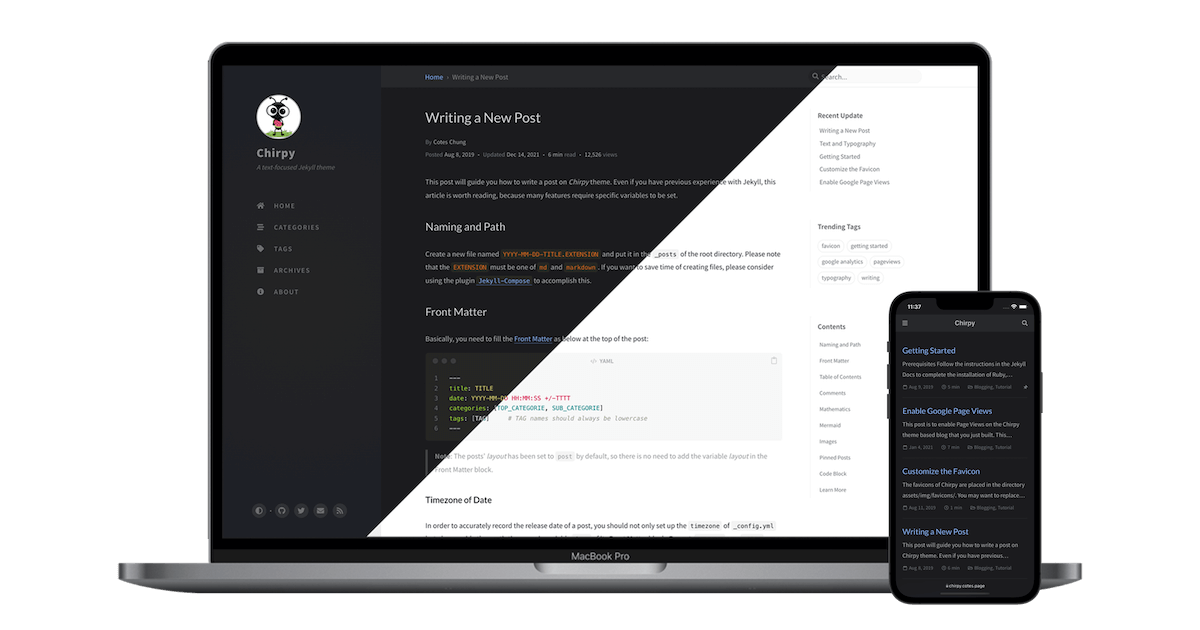
Introduction After a while the theme gets outdated compared to the current being developed chirpy theme. We need to update it to look like the current version from the developers. Procedure G...
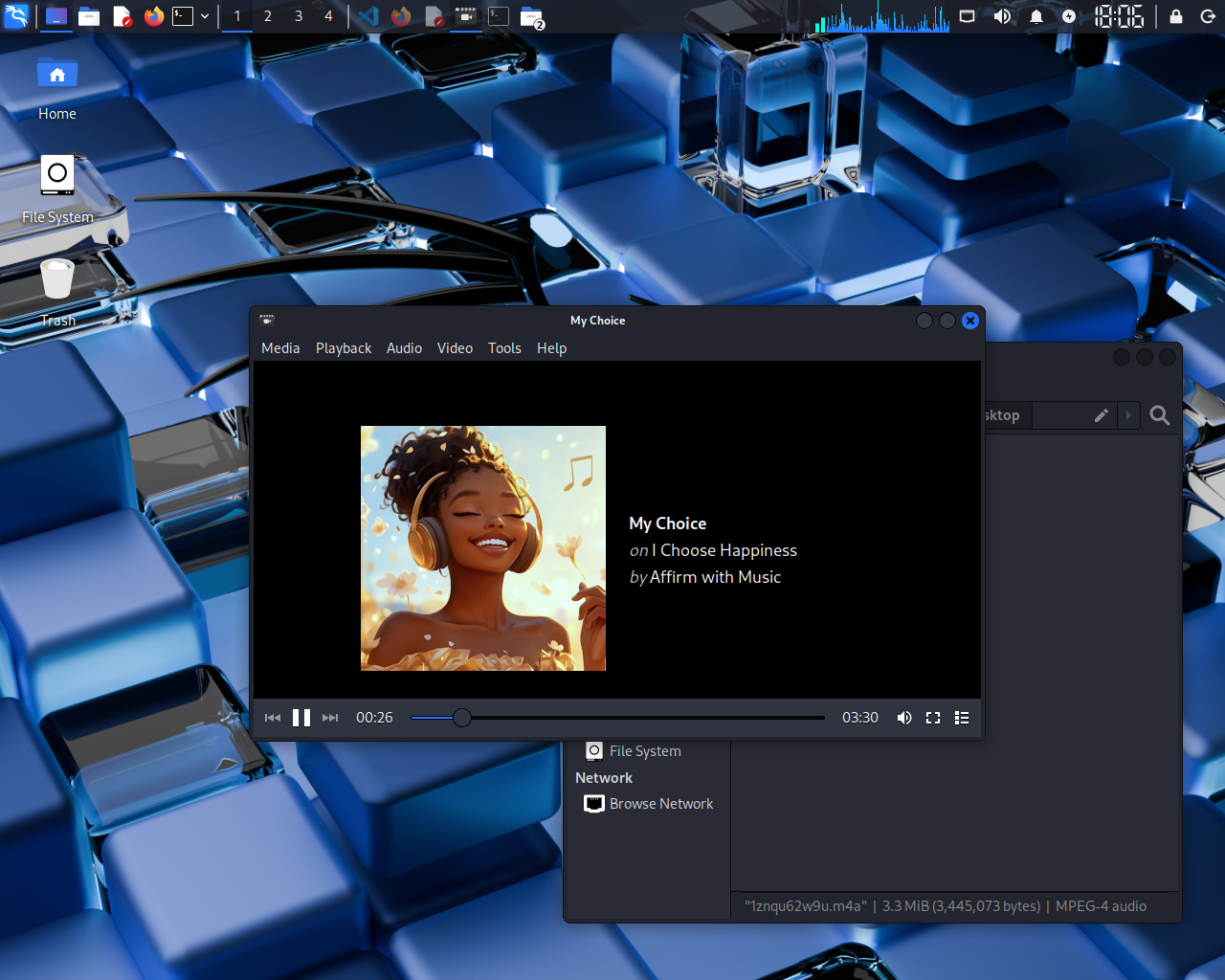
Introduction Normally this should not happen but is usually caused by jittery drivers. In a VM this is most common because the device is emulated. you can usually fix this problem by giving more h...
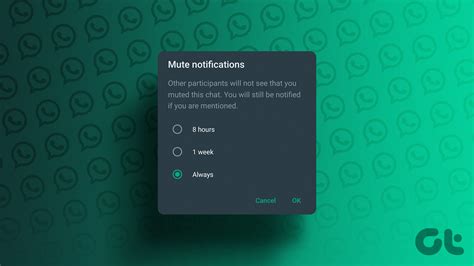
Introduction Are you tired of constant group notifications on WhatsApp? Do you want to silence a particular group without leaving it? Here’s how to mute group notifications: Procedure Steps...

Introduction As a programmer using github, you might want to use the terminal to push and pull your code to github. To do so, you need to configure your terminal to be able to access your githu...
Introduction Explaining with words sometimes might be hard to understand or might not just be enough, that’s why sometimes, we need to show what we are actually talking about. Today, we take a l...

When buying a new laptop, sometimes a second handed one too, there are several important characteristics to consider. Considering you are not low on budget, then it’s best to get the best that woul...

Introduction Greetings and welcome to another blog post by PC DRILLS. As requested by one of our followers, who’s questions was: How to prevent your accounts from being hacked? It's becoming...
Introduction What is ransomware? Ransomware is a type of malicious software (malware) that encrypts files on a victim’s computer or network, making them inaccessible until a ransom is paid. The ...
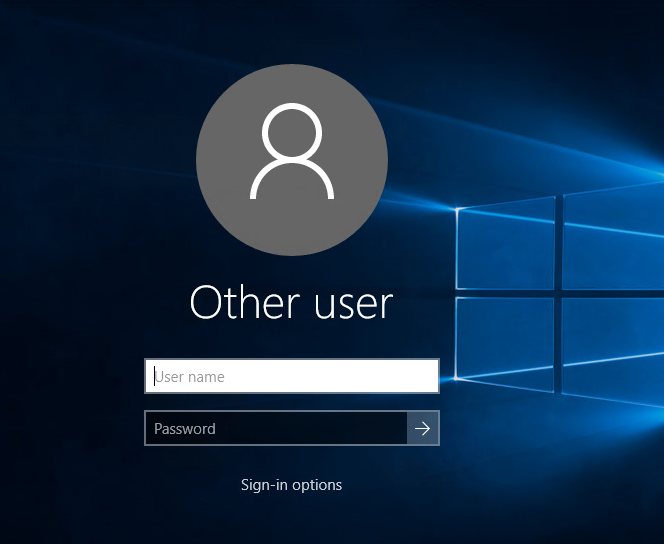
To set a password on your Windows 10 computer, follow these steps: Press the Windows key + I on your keyboard to open the Settings app. Click on “Accounts” in the Settings windo...