Update Chirpy Theme
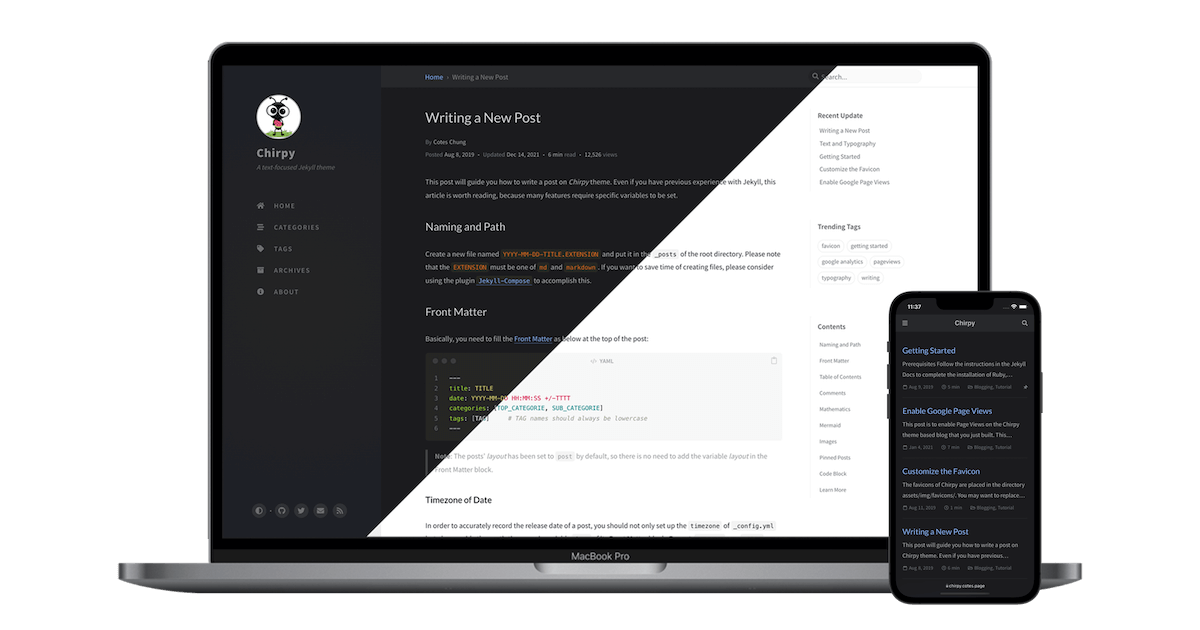
Update Chirpy Theme
Introduction
After a while the theme gets outdated compared to the current being developed chirpy theme. We need to update it to look like the current version from the developers.
Procedure
Go to the Chirpy Starter repo on Github
Check and compare the contents of the Gemfile
Copy all code inside Gemfile
Replace the code inside local Gemfile in your Visual Code Studio with the new code copied from Github
Run bundle update to the update Chirpy
1
bundle update jekyll-theme-chirpy
Conclusions
Also if you deploy to github pages, if there’s a change in the pages deployment workflow file you’ll also need to update yours on your repo to look the same.
Bye for now.
This post is licensed under CC BY 4.0 by the author.